


Manufacturing information displays that keep teams aligned
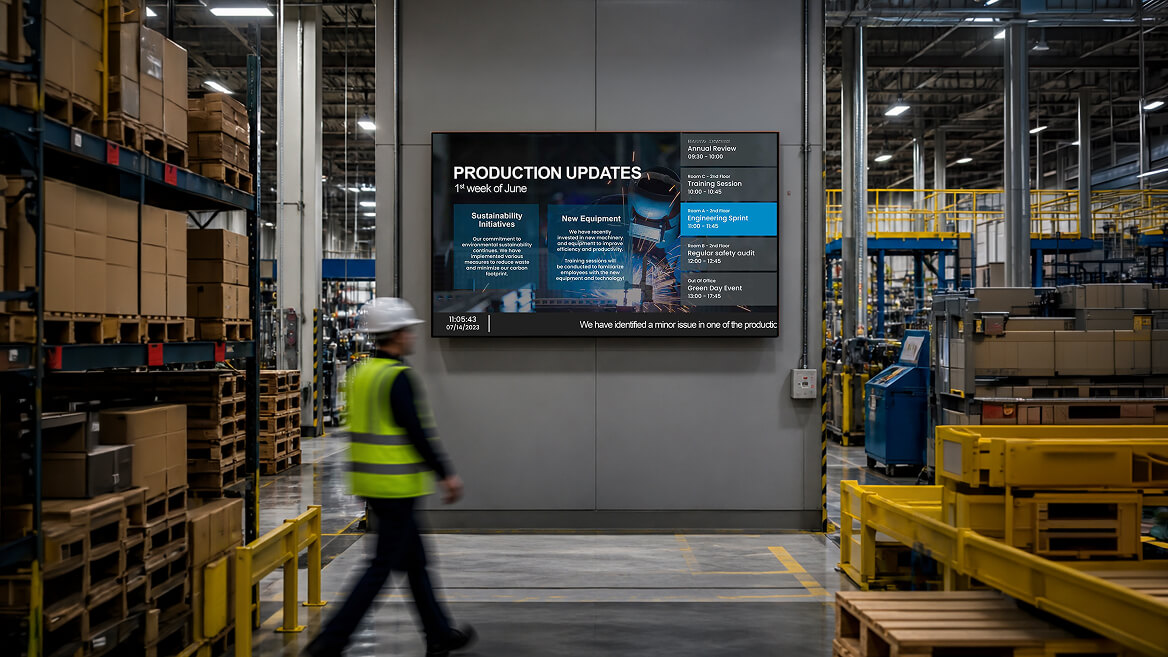
Use manufacturing information displays to share real-time updates, production status, and critical data across the shop floor and factory teams.
7,500+ reviews from


Trusted by over 65,000 companies of every size, across 150+ countries












46%
FIND DIGITAL SIGNAGE ENGAGING
65%
SHOW POSITIVE SIGNAGE PERCEPTION
56%
ARE MOTIVATED BY DIGITAL SIGNAGE
Manufacturing information displays powered by smart apps
Turn factory updates into action. Use the right apps to keep manufacturing information displays and production display boards live.
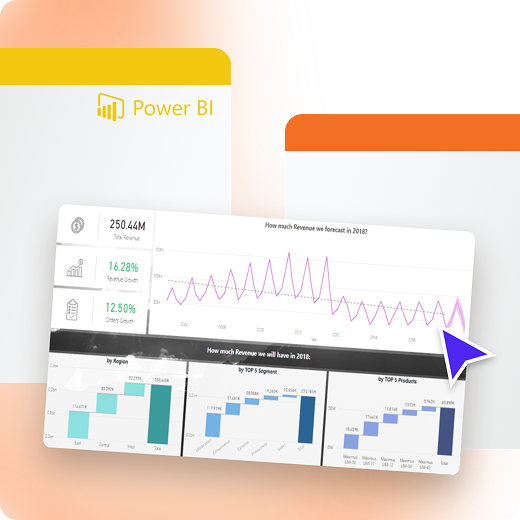
Power BI
Show data on manufacturing displays
Share real-time KPIs, and performance metrics across the factory floor.
Display live Power BI dashboards on any screen
Keep production display boards always up to date
Use existing reports built by your data teams
SharePoint
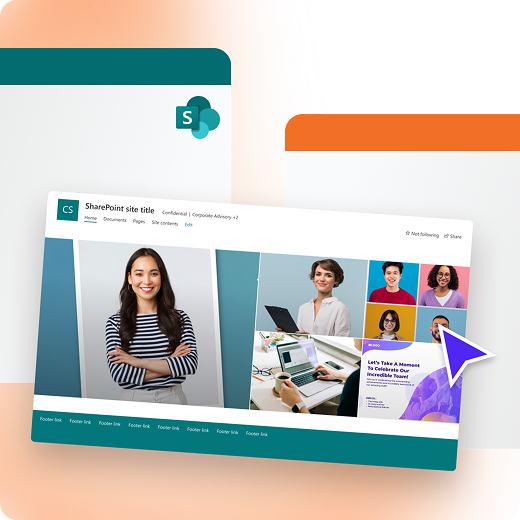
Share docs and updates on factory display boards
Keep teams aligned with procedures and announcements from the SharePoint App.
Display documents, lists, and pages on screens
Centralize information for shop floor teams
Reduce outdated paper-based communication
Microsoft Teams Channels
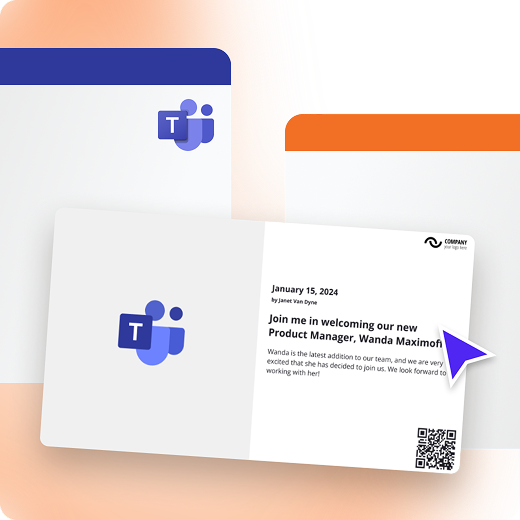
Show updates on production shop floor displays
Turn important Teams messages into visible, shared updates for factory teams.
Display selected Teams channel messages
Keep operators informed without interruptions
Improve visibility of critical updates with Microsoft Teams Channels
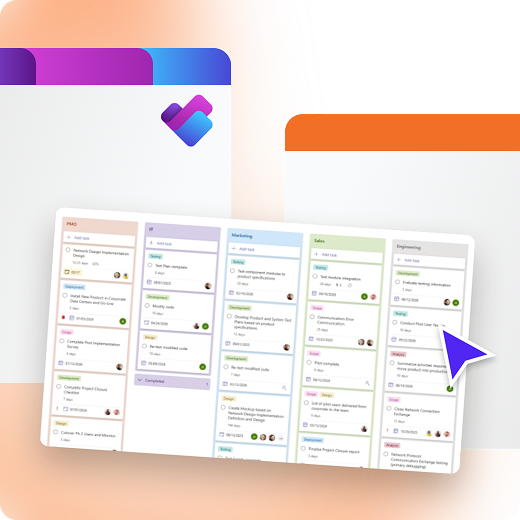
Microsoft Planner
Show tasks and priorities on production display boards
Make daily plans and responsibilities visible to everyone on the shop floor.
Display tasks, deadlines, and progress via Microsoft Planner App
Improve accountability and task clarity
Align teams around daily production goals
Benefits of manufacturing information displays
Manufacturing information displays keep teams aligned, informed, and responsive by showing production data where work happens.
Get started
Real-time visibility
See production updates and status changes instantly
Faster response
Act quickly on issues before they impact output
Team alignment
Keep everyone focused on shared information
Reduced errors
Limit miscommunication with clear visual updates
Operational clarity
Replace scattered updates with centralized displays
Consistent messaging
Ensure all teams see the same information
A trusted manufacturing information displays solution
Get started for Free
Jill R.
Owner
“The dashboard UI is excellent—it’s very easy to integrate, use, and train others on. Setup is simple, and the hardware is very non-intrusive. My team and I also like that you can preview everything for your peace of mind when double-checking the layout and content, and that you can show prospective clients exactly how it will look right from the dashboard (no player required).”

January 30, 2026
Thanos K.
web designer
“Easy Setup, Great Support, Zero Hassle.
I’ve been using Yodeck for quite a while now, and honestly, it has made my life so much easier. From the moment I tried it, I realized it’s built to save you time, remove friction, and just let you get things done.”
November 14, 2025
Finn J.
Club administrator
“Excellent Customer Service.
It is very intuitive and easy to get started – and you can play around on a free one screen account until you have decided if it is something for you. Also great help from youtube reviews and instruction videos. Very quick response from Customer support if you have questions.”
November 23, 2025
160+ apps for real-time manufacturing data display
Connect manufacturing data displays to live dashboards, and collaboration tools to keep shop floor teams informed.






















































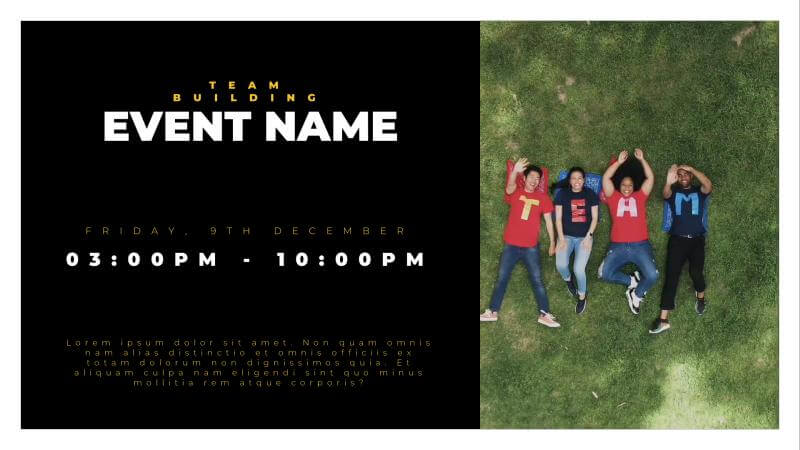
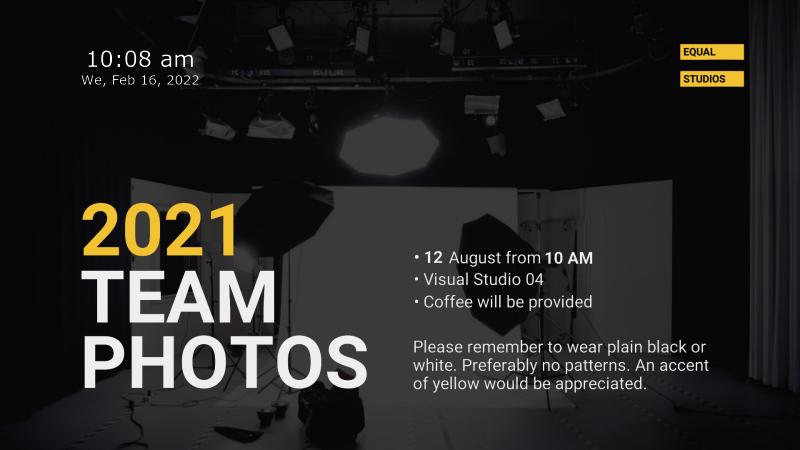
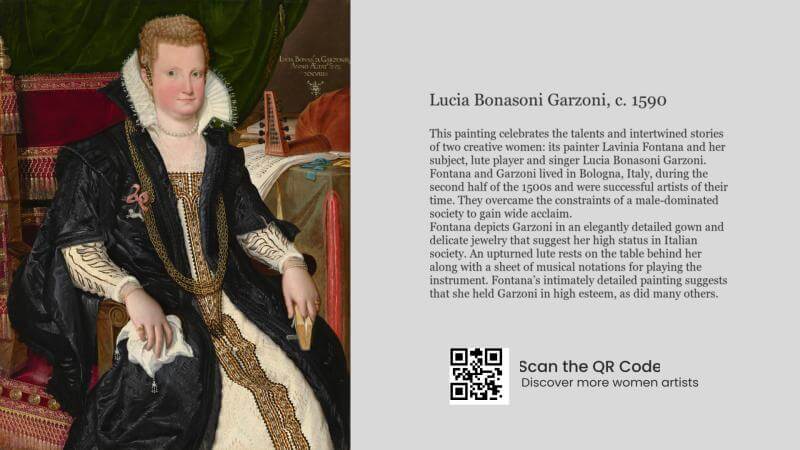
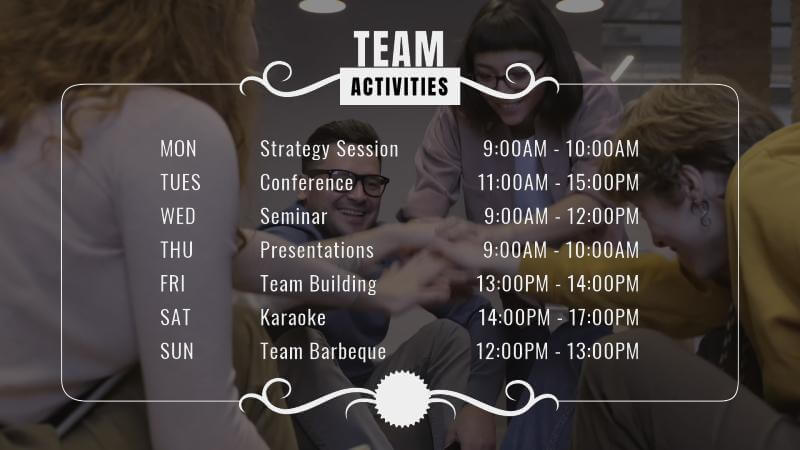
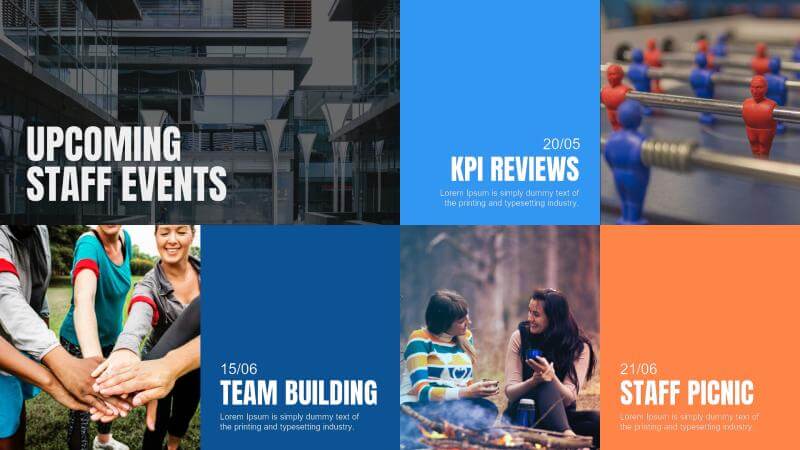
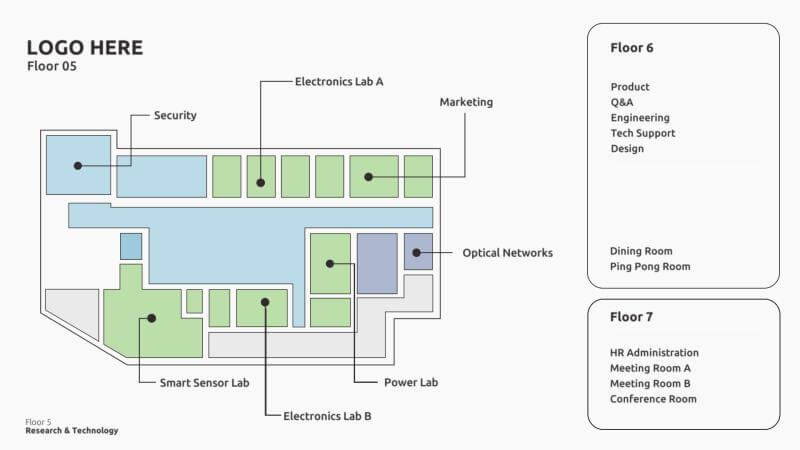
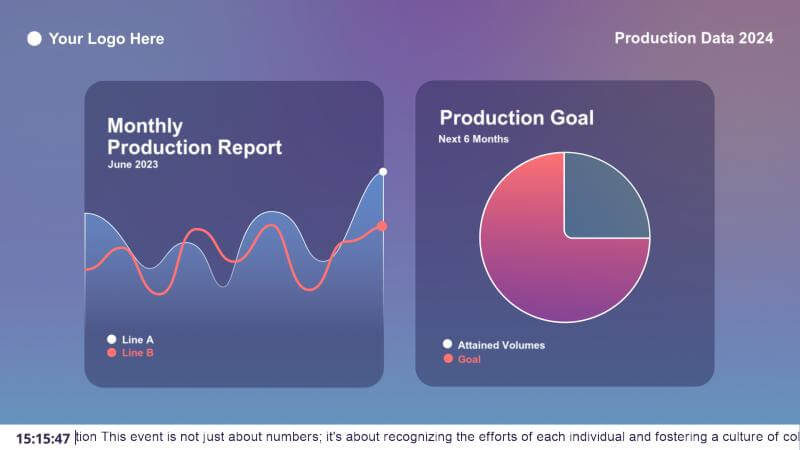
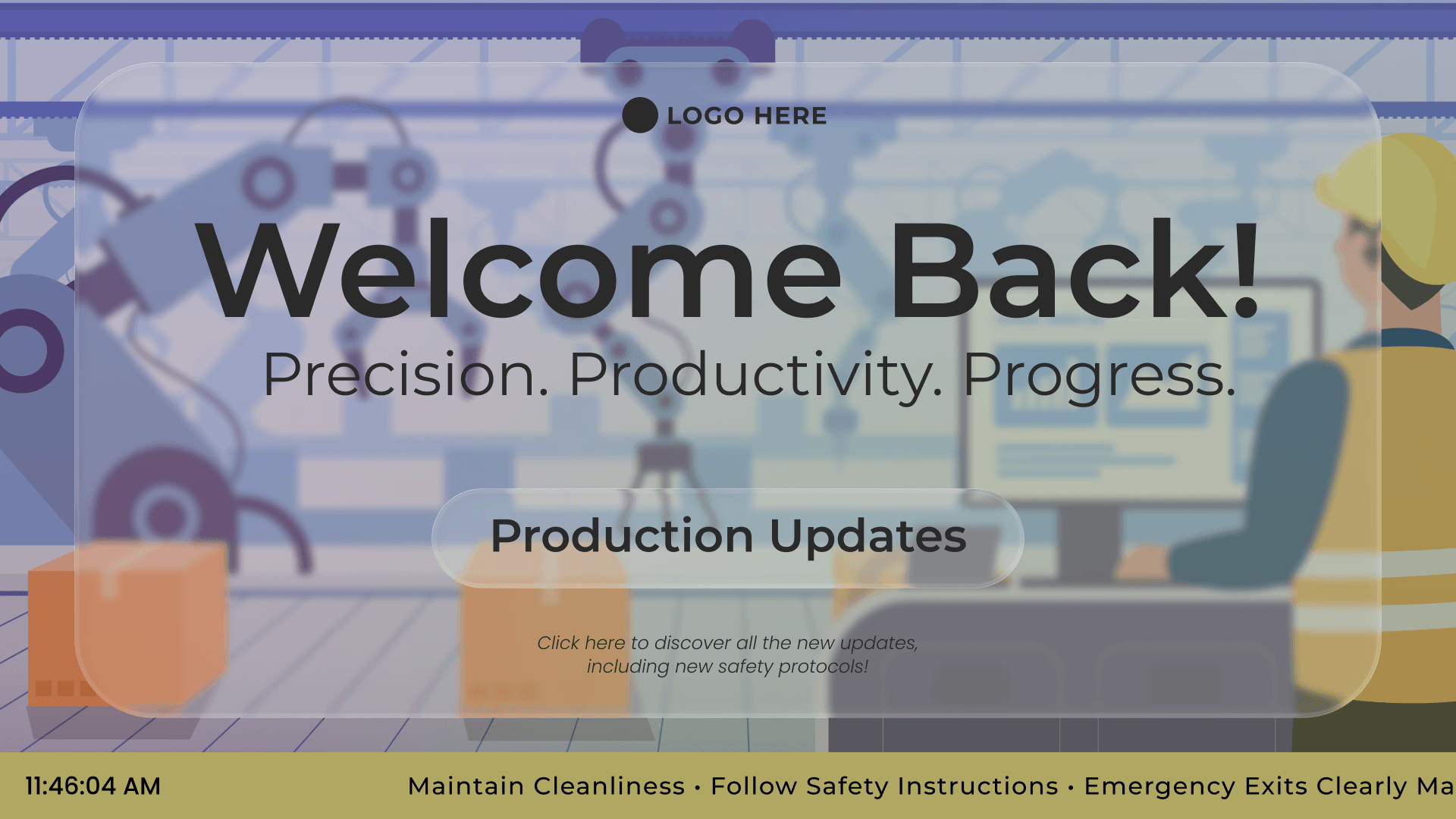
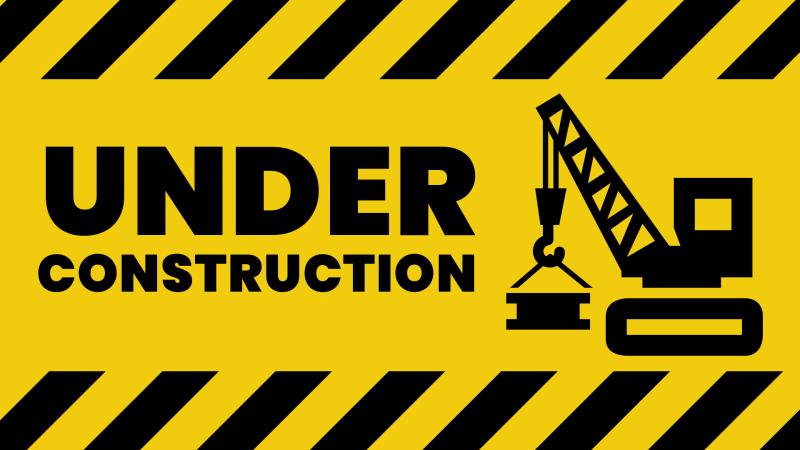
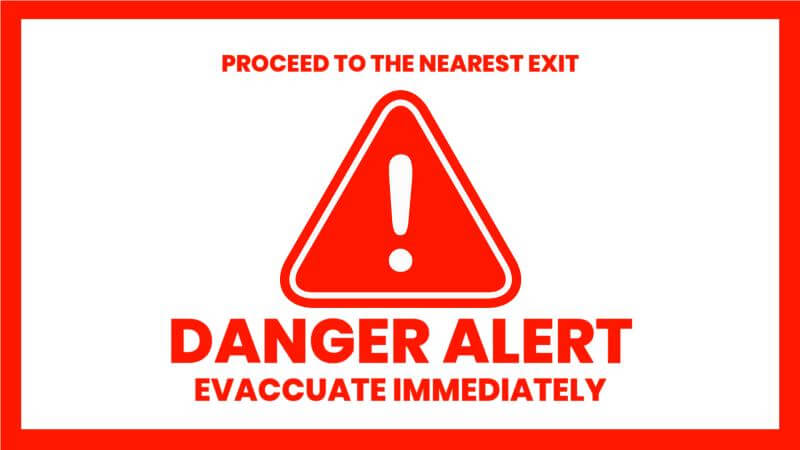
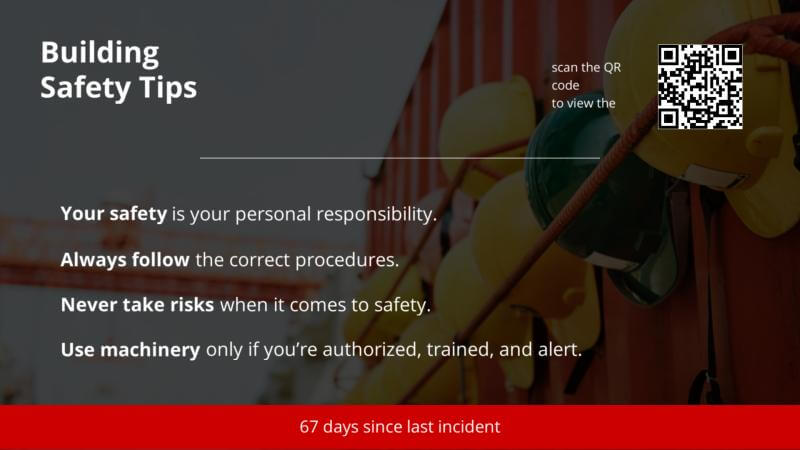
Ready-made templates for manufacturing & production
Browse templates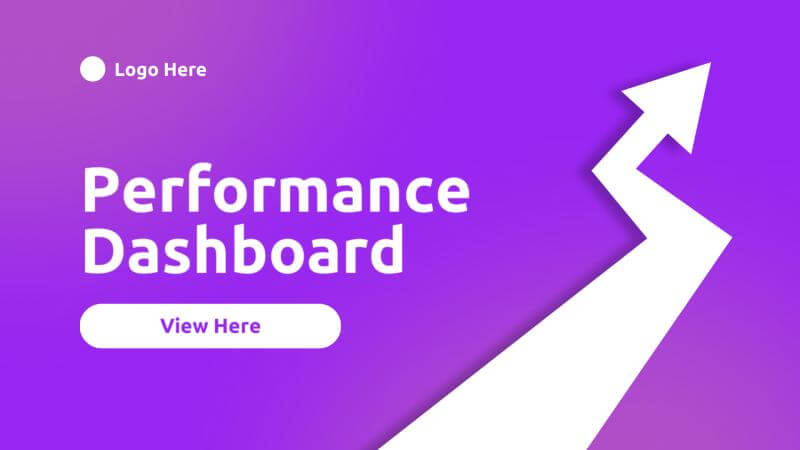
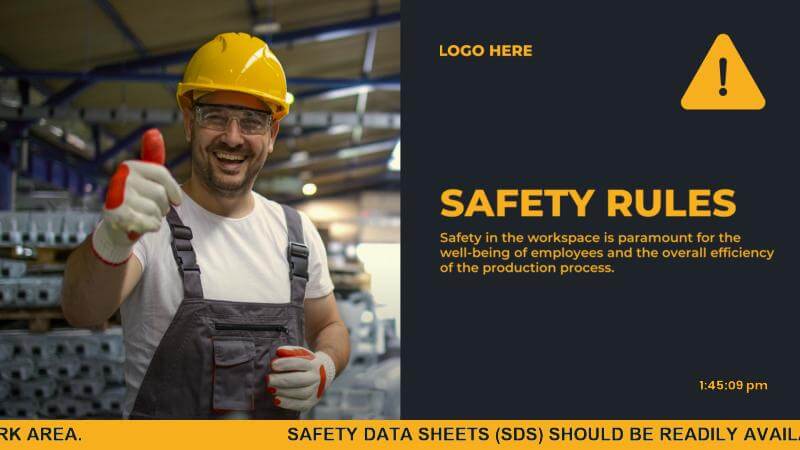
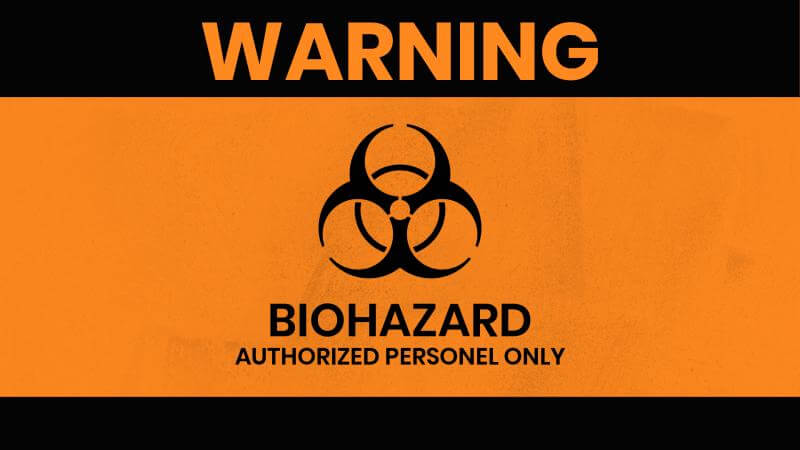
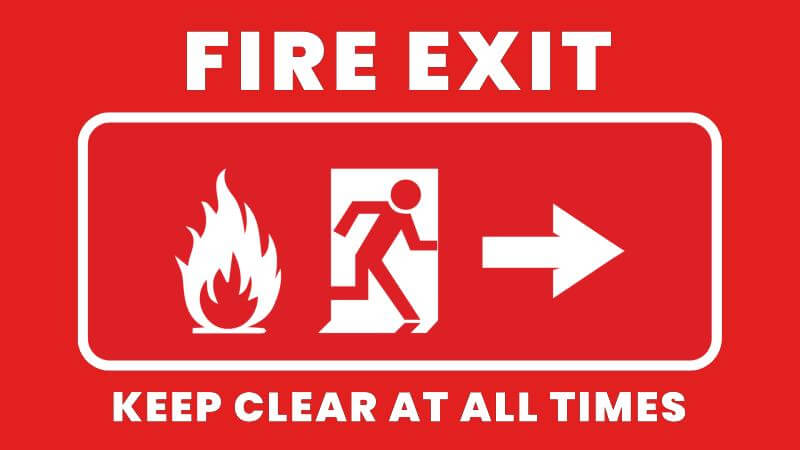
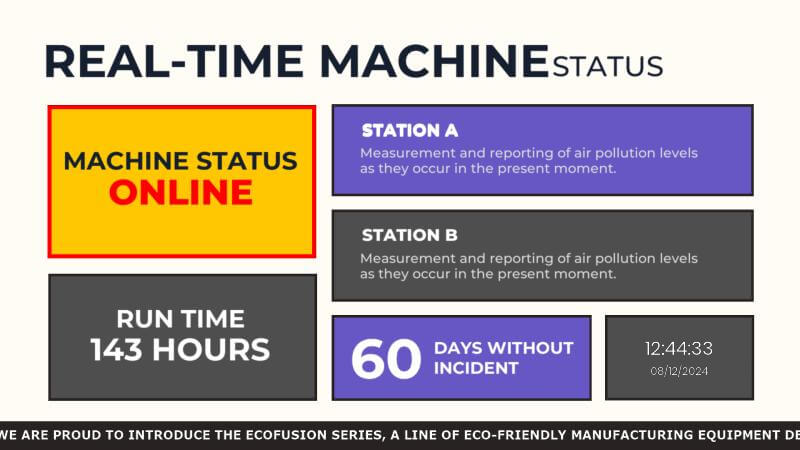
Why choose Yodeck for manufacturing info displays
Run manufacturing information displays across one or multiple locations using a single digital signage software.
Designed for production environments, with reliable performance on factory and shop floor display boards.
Connect Power BI, SharePoint, Teams, and Planner directly to your screens.
Easy content updates for teams, centralized control for IT, and minimal maintenance.
Manufacturing Information Displays: FAQs
How is digital signage for production lines typically used?
Digital signage for production lines works best when screens are placed at line entrances, takt boards, and team huddle areas. Keep content operational: targets, current order, quality checks, safety prompts, and escalation contacts. Use scheduled playlists so shift-start messages appear automatically, then hand over to live dashboards once production is running for smoother starts and fewer repeated questions overall.
How to display production data on factory screens?
To display production data on screens, decide the “must-see” metrics: current job, output vs. target, downtime reason, and quality alerts. Connect your MES, ERP, Excel, or BI dashboard to Yodeck’s manufacturing information display software, then format it into a production status board. Publish to screen groups by area, set refresh rates, and assign owners so updates stay accurate without constant edits.
How do production display boards help track progress?
Production display boards are ideal for tracking progress against the plan hour-by-hour.
- Show actual vs. target output, current order, next changeover time, and blockers requiring escalation.
- Color-coding makes exceptions obvious, so teams act before problems compound.
- Use scheduling to switch views by shift or line, ensuring each area sees only the metrics that matter without cluttering screens with extra charts.
What should be on a production status board?
A production status board should answer: Are we on plan, what’s blocking us, and what’s the next action? Include shift target, actual output, efficiency or OEE, top downtime reason, quality holds, and upcoming changeover. Add a timestamp so everyone trusts the data. Keep it readable from a distance, one screen, one job: fast decisions.
What's the best placement strategy for production shop floor display boards?
Production shop floor display boards work best at decision points: line entrances, huddle areas, material staging zones, maintenance stations, and break rooms. Place screens where teams naturally pause, not where they’ll be ignored. Use large fonts, high contrast, and minimal clutter. Tailor content by location. This way, operators see progress, maintenance sees alerts, and supervisors see trends.
How does manufacturing information display software help governance?
Manufacturing information display software strengthens governance by controlling who can publish content & where it appears. With Custom Roles, supervisors can update their production line screens while corporate teams manage templates & brand guidelines. Separate Workspaces prevent accidental plant-wide pushes, ensuring the right content reaches the right screens. This is especially useful when multiple departments share the same screens during audits & changeovers.
What's the best setup for production shop floor display boards?
Production shop floor display boards can run on standard TVs with a dedicated signage player, which is typically more stable than relying on smart TV apps. Yodeck Player keeps content synced, resumes automatically after power cycles, and supports offline playback for scheduled loops. This reliability is critical near machinery, where screens must keep running without hands-on troubleshooting during every shift.
What's the difference between information display boards and KPI dashboards?
- Manufacturing Information display boards focus on operational communication in real time. They show shift updates, alerts, production status, safety messages & quick metrics that operators can absorb in seconds.
- Manufacturing KPI dashboards, on the other hand, are analytical tools. They provide deeper performance insights, trends, comparisons & drill-down capabilities.
In short: display boards drive immediate action; KPI dashboards support strategic analysis.
What other solutions pair well with manufacturing information displays?
Manufacturing information displays pair well with dashboard signage and safety content. Common add-ons include:
- Digital Notice Board for policies and training
- Internal Communications for shift messages
- Wayfinding for visitors and contractors
Using one manufacturing digital signage platform to schedule everything keeps screens consistent, reduces manual effort, and improves cross-department alignment in real time.
Which industries use manufacturing information displays?
Any environment with deskless teams and time-sensitive operations benefits from clear, live production visibility on screens.
- Manufacturing: Production lines, OEE tracking, downtime alerts
- Construction: Site safety updates, project milestones, crew coordination
- Logistics & Warehousing: Order status, loading schedules, inventory levels
- Automotive: Assembly line KPIs, quality control metrics
- Food & Beverage Production: Batch tracking, compliance, hygiene reminders
- Energy & Utilities: Operational status, maintenance alerts

